Updated: March 23, 2026
Home › FinTech & Modern Money Tools › Budgeting Apps & Financial Automation
Budgeting Apps & Financial Automation: How to Choose, Use, and Connect the Right Tools
PersonalOne Money System
This resource is part of the PersonalOne framework for building financial systems that run automatically — covering the tools, strategies, and infrastructure that replace willpower with structure. PersonalOne provides free financial education for Millennials and Gen Z.
Why Budgeting Apps and Financial Automation Matter More Than the Budget Itself
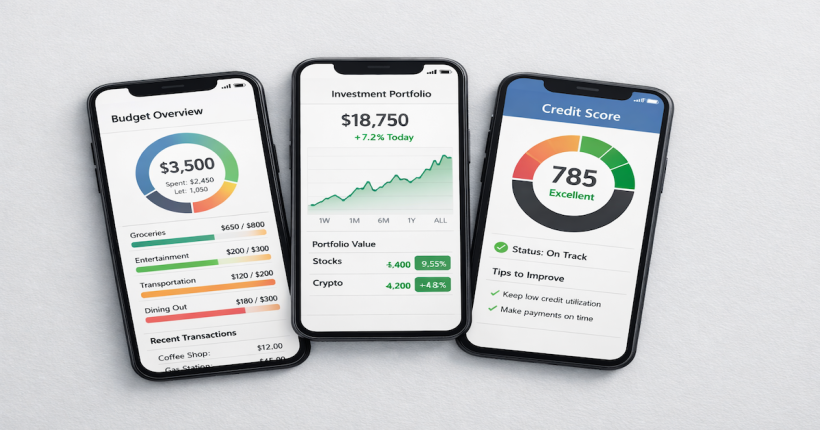
Budgeting apps and financial automation tools are not substitutes for a financial plan — they are the infrastructure that makes a financial plan run without requiring daily manual effort. The most common reason budgets fail is not that people do not know what they should do with their money. It is that the systems they rely on require too much ongoing effort to maintain consistently. A budgeting app that automates tracking eliminates the effort of categorizing transactions. An automation rule that moves money on payday eliminates the decision of whether to save this week. The tool removes the friction; the system does the work.
The landscape of budgeting apps and financial automation has changed substantially in the past five years. AI-driven tools now surface insights proactively rather than just reporting past spending. Open banking connections allow apps to aggregate all accounts in real time. Automation features at neobanks and fintech platforms can execute rule-based money movements the moment a paycheck arrives. The result is a generation of tools powerful enough to serve as genuine financial infrastructure — not just expense trackers.
This cluster covers how to evaluate the best budgeting apps and financial automation tools, which platforms work for which specific financial jobs, and how to build the connections between tools that turn individual apps into a coordinated system.
What to Look for in a Budgeting App
Not every budgeting app serves the same purpose, and choosing the wrong type for your financial situation is one of the most common reasons people abandon them. The core distinction is between apps built around envelope-based zero-sum budgeting and apps built around financial dashboard aggregation. These are fundamentally different tools for different behavioral approaches to money management, and understanding which one fits your situation determines which platform is worth your time.
Envelope-based apps like YNAB (You Need A Budget) require you to assign every dollar a specific job before spending it. Every dollar of income is allocated to a category — rent, groceries, subscriptions, savings — until zero dollars remain unassigned. This approach works exceptionally well for people who need tight spending control and want to make deliberate decisions about every category. The learning curve is steeper, and the system requires more active engagement. The detailed comparison of how these two approaches play out in practice — and which budget philosophy produces better outcomes for different money personalities — is covered in the Monarch vs YNAB comparison.
Dashboard aggregation apps like Monarch Money connect all accounts — checking, savings, cards, investment accounts, loans — in a single view and track spending automatically without requiring manual transaction entry. They are better suited to people who primarily want visibility and insight rather than real-time spending control. The automation features — net worth tracking, cash flow projection, subscription monitoring — are what differentiate platforms in this category. The full breakdown of what Monarch Money delivers as a financial dashboard is covered in the Monarch Money review.
Budgeting Apps Built for Gen Z and Millennials
The generation of budgeting apps that emerged in the past five years was built with different assumptions than the tools that preceded them. Older budgeting software assumed desktop access, manual transaction entry, and users who had already established financial habits. The current generation assumes mobile-first access, automatic connection to financial accounts, visual spending feedback, and users who may be at the beginning of their financial lives with income patterns that do not fit traditional monthly budgeting models.
Irregular income, gig economy earnings, multiple income sources, and subscription-heavy spending patterns are all common in Millennial and Gen Z financial profiles — and modern budgeting apps are built to handle them. Features like rolling budget periods that adapt to irregular paychecks, automatic categorization of subscription charges, and visual net worth tracking that includes student loan balances are standard on current-generation platforms in ways they were not on apps built five years earlier. The apps that specifically address how this generation manages money — and why adoption rates are higher than for any previous generation of budgeting tools — are profiled in detail in the guide to FinTech budgeting apps Gen Z relies on.
The Financial Dashboard: Seeing Everything in One Place
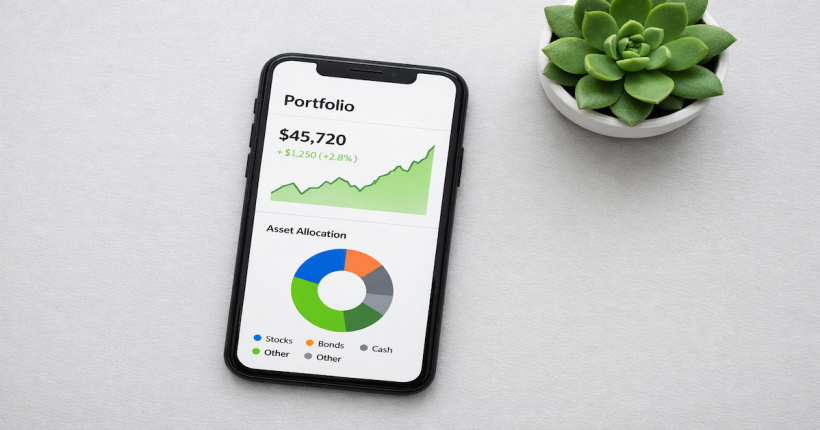
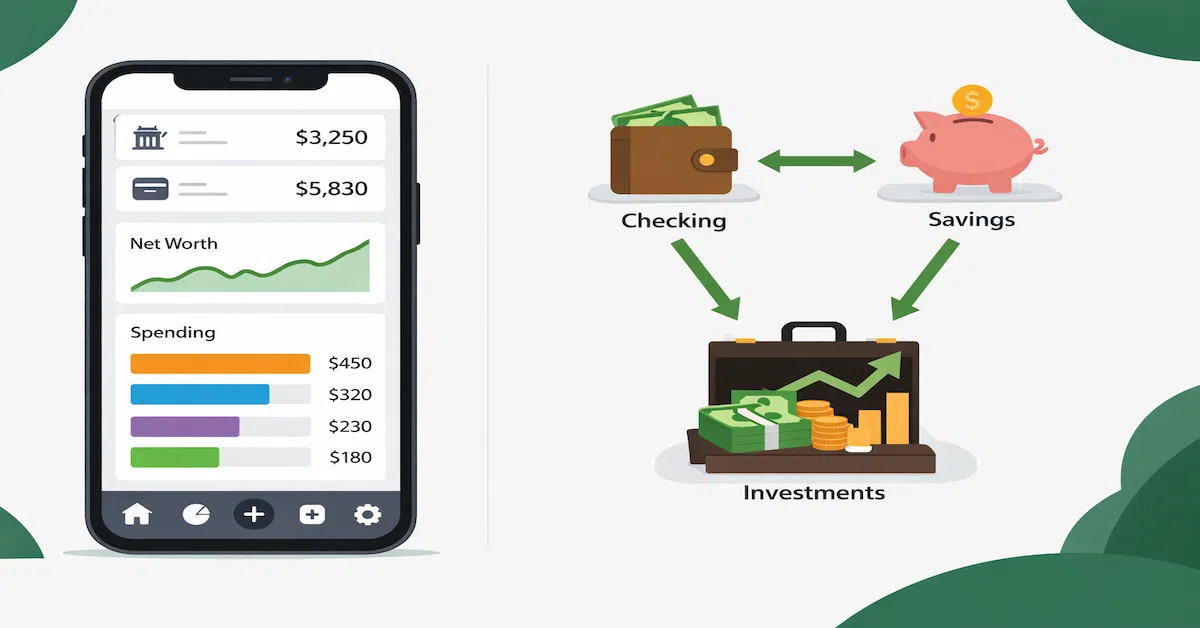
A financial dashboard aggregates account data across institutions — bank accounts, credit cards, investment accounts, loans, retirement funds — into a single real-time view. The value is not just convenience. It is the elimination of the blind spots that come from managing money across separate apps and institutions without ever seeing the complete picture simultaneously.
A person with a checking account at one bank, a high-yield savings account at a neobank, credit cards at two different issuers, a 401(k) at their employer, and a student loan has their complete financial picture fragmented across five separate login systems. No single view exists. Net worth cannot be calculated without manually pulling numbers from each source. Cash flow cannot be projected without knowing all scheduled payments. The financial dashboard solves this by pulling the full picture into one place automatically. How to build and use a financial dashboard effectively — and which platforms deliver the most useful unified view — is covered in the guide to building a financial dashboard.
AI-Driven Budgeting: From Tracking to Proactive Insight
The most significant shift in budgeting tools over the past two years is the integration of AI features that move beyond passive tracking into proactive financial management. Earlier budgeting apps reported what happened with your money. AI-driven budgeting tools analyze behavioral patterns and surface what is likely to happen next — and what to consider doing about it before the problem appears.
Cash flow projections that identify upcoming gaps before they become overdrafts. Subscription audits that flag services you have not used in 60 days. Spending pattern analysis that identifies which categories are trending over budget before the month ends. Savings rate tracking that compares your current pace against the pace needed to hit a stated goal by a stated date. These are the capabilities that distinguish AI-enhanced financial tools from their predecessors, and they represent a meaningful change in what is possible for everyday financial management without professional advice. The practical breakdown of how AI is changing budgeting and personal finance tools specifically — with an evaluation of which features deliver the most value — is in the guide to AI in finance and budgeting tools.
How to Connect Your Tools Into a Working System
Individual budgeting apps deliver more value when they are connected to the broader financial infrastructure they are designed to work with. A budgeting app that tracks spending but is not connected to your savings accounts cannot trigger automated savings rules. A financial dashboard that shows your full picture but is not linked to your investment accounts cannot include net worth in its projections. Building the connections between tools is what converts a collection of apps into a coordinated financial system.
The practical connection sequence for most people starts with account aggregation — linking all accounts to a single dashboard platform so the complete picture is visible. From there, automation rules at the banking layer handle money movement: paycheck splits, savings transfers, bill payment scheduling. The budgeting app sits on top of this infrastructure, providing the visibility and analysis layer without needing to execute the underlying transactions itself. The division of responsibilities — which tool does what — is what keeps the system functional without requiring active management.
Budgeting apps are one layer of a complete modern money system.
The complete framework for evaluating and integrating FinTech tools — from budgeting apps and neobanks to open banking and AI-driven financial management — is in the FinTech & Modern Money Tools guide.
Explore FinTech & Modern Money Tools →Resources
Official Sources
CFPB — Bank Accounts and Services — Consumer Financial Protection Bureau guidance on bank account rights, digital banking tools, and consumer protections applicable to financial apps that connect to bank accounts.
FDIC — Mobile Banking and Financial Apps — FDIC consumer guidance on using mobile financial tools safely, including how to verify deposit insurance when using third-party apps connected to bank accounts.
The Bigger Picture
Budgeting apps and automation tools are one layer of a complete modern financial system. The full framework for how FinTech tools connect to banking infrastructure, payment systems, and financial management lives in the FinTech & Modern Money Tools guide.
Continue Learning: Budgeting Apps & Financial Automation
Every article in this cluster goes deeper on a specific aspect of budgeting apps and financial automation tools.
Monarch vs YNAB: Which Budgeting App Actually Saves You More Money?
A direct comparison of the two leading budgeting philosophies — zero-sum envelope budgeting vs dashboard aggregation — and which approach produces better outcomes for different financial situations.
Monarch Money Review: Is It the Best Budgeting App?
A full evaluation of Monarch Money as a financial dashboard — features, account connections, automation tools, pricing, and how it fits into a multi-account banking structure.
Best FinTech Budgeting Apps Gen Z and Millennials Actually Use
The specific apps built for irregular income, gig earnings, and mobile-first financial management — and why adoption among younger users is higher than for any previous generation of budgeting tools.
How to Build a Financial Dashboard That Shows You Everything
How to connect all accounts — banking, cards, investments, loans — into a single real-time view, and which platforms deliver the most complete and actionable unified financial picture.
How AI Is Changing Budgeting: The Best AI Finance Tools Explained
How AI features in budgeting and financial management apps have shifted from passive tracking to proactive insight — and which AI-driven capabilities deliver the most practical value for everyday financial management.
Disclaimer: This content is for informational and educational purposes only and does not constitute financial advice. App features, pricing, and integrations change — verify current terms directly with any platform before use. PersonalOne is an affiliate partner with Monarch Money; compensation may be received for qualifying referrals. This does not affect editorial independence or recommendations. Consult a qualified financial professional before making significant financial decisions.