

December 1, 2025
Home › Financial Automation › Budget Automation
Stage 4 of 7
Automation & Integration — Make money move without constant effort.
View All 7 Stages →
Financial Automation › Cluster Hub
Automated Budgeting Guide: Make Your Budget Run Without You
Stop tracking every dollar manually. Build a budget system that categorizes, alerts, and adjusts automatically — so you only need to check in, not manage.
Manual budgeting fails most people — not because they lack discipline, but because it requires a daily decision to look at numbers that don’t change the underlying behavior. Budget automation removes the friction: your spending is categorized automatically, alerts fire before you overspend, and recurring transfers execute without any action on your part. The budget runs itself. You review it, adjust it when life changes, and use the mental energy you freed up for higher-level financial decisions.
This is Cluster Hub 2 under the Financial Automation authority hub. It covers the mechanics of making a budget work automatically: automated tracking tools, spending alert systems, recurring transfer rules, and how to maintain human oversight without daily manual effort.
What Budget Automation Covers
This Cluster Covers
- Automated spending categorization
- Spending alert and limit systems
- Recurring budget rules and transfers
- Budgeting on autopilot tools and setup
- Weekly review systems for human oversight
Covered Elsewhere
- App reviews and comparisons (FinTech hub)
- Income routing and account setup (Cluster 1)
- Savings automation (Cluster 3)
- Debt payment automation (Cluster 4)
- Investment automation (Cluster 5)
The Budget Automation Framework
An automated budget has three working layers: a tracking layer that categorizes spending without manual input, an alert layer that notifies you before limits are exceeded, and a transfer layer that moves money between accounts on a schedule. When all three are functioning, your budget operates in the background while you live your life.
Layer 1 — Automated Tracking
Connected budgeting tools sync directly with your bank accounts and credit cards, pulling transaction data in real time and sorting it into spending categories automatically. The system learns your merchants over time, getting more accurate with each month of data. What used to take 30 minutes of manual entry per week becomes a 5-minute review to catch miscategorizations. Tracking automation gives you a complete spending picture without the labor that makes most people abandon manual budgets.
Layer 2 — Automated Alerts
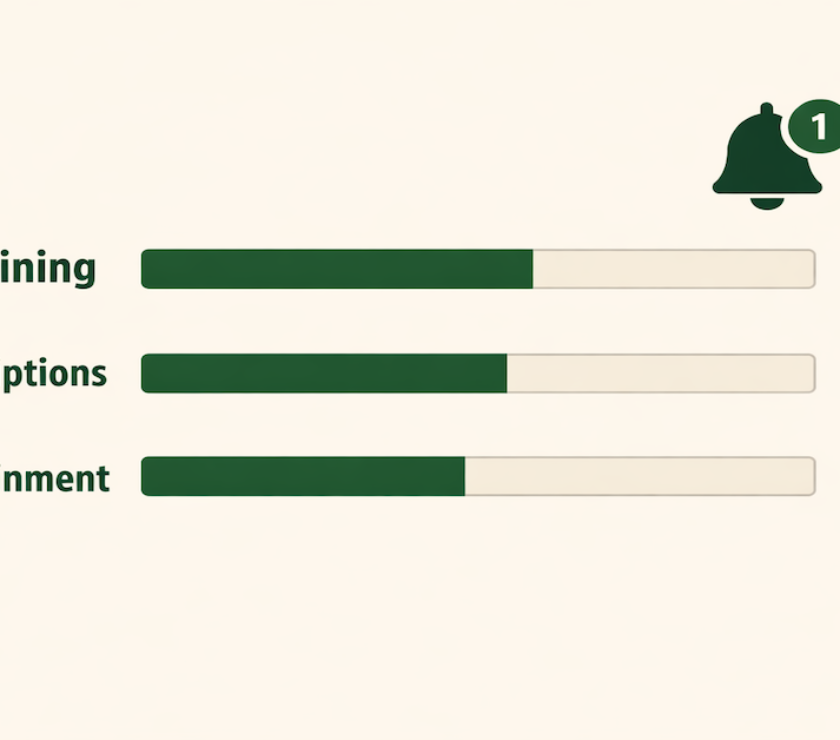
Spending alerts are the behavioral intervention layer of budget automation. Set a limit for dining, entertainment, or any discretionary category — when you hit 80% of the limit, you get a notification before you overspend rather than a guilt trip after. Low-balance alerts from your bank protect against overdrafts. Unusual transaction alerts flag potential fraud or errors. Each alert type removes a category of financial mistake that previously required constant manual vigilance.
Layer 3 — Automated Transfers and Rules
Budget automation is completed by the transfer layer: recurring moves between accounts that execute on a schedule without requiring a decision. Fixed savings transfers, bill payments, and debt contributions all scheduled to fire within days of payday. This layer connects budget automation to the rest of the Financial Automation system — the budget tracks where money went, and the transfer rules ensure it went to the right places first.
Human Oversight — The Weekly Review
Automation handles execution. Humans handle judgment. A 15-minute weekly review — checking that categories are correct, transfers processed, and alerts were addressed — keeps the system accurate. Life changes (new job, new expense, new goal) require manual updates to rules and limits. The automated budget is a system you maintain, not a set-and-forget appliance. The goal is minimal time investment with maximum visibility, not zero involvement.
What to Automate vs. What to Keep Manual
Not everything in your budget benefits from automation. The clearest line: automate execution, keep judgment manual.
Automate These
- Fixed monthly bill payments
- Recurring savings transfers
- Spending category tracking
- Balance and spending alerts
- Debt minimum payments
Keep Manual
- Irregular or one-time large expenses
- Budget goal updates when life changes
- Debt vs. invest prioritization decisions
- Discretionary category limit adjustments
- Annual budget strategy reviews
Articles in This Cluster
Each supporting post covers one specific component of the budget automation system in depth, linking back to this cluster hub and upward to the Financial Automation authority hub.
Article
Budgeting on Autopilot: How to Let Tech Do the Heavy Lifting
How automated budgeting tools track spending, categorize expenses, and alert you before you overspend — plus the weekly review system that keeps automation accurate.
Article
Cash-Stuffing Meets Tech: Modern Budgeting for the Next Generation
How to combine envelope-style budgeting logic with automated transfers and digital tools — structure without spreadsheets.
Article
How to Automate Your Bills Without Missing Payments or Overdrafting
Autopay timing strategy, buffer balance setup, and the sequencing rules that prevent automated bill payments from failing.
Coming Soon
Budgeting Apps vs Spreadsheets: What Actually Works Better
A framework comparison of automated budgeting tools versus manual spreadsheets — when each is the right tool, and how to choose based on your habits.
Coming Soon
How to Track Every Dollar Without Manual Entry
Setting up connected accounts, configuring spending categories, and building the tracking automation that gives you a complete financial picture in real time.
Coming Soon
How to Budget for Irregular Income on Autopilot
Percentage-based automation rules, income-smoothing strategies, and how to build a budget system that works when your monthly income isn’t the same twice.
Coming Soon
The 15-Minute Weekly Money Review System
A repeatable weekly check-in routine that keeps automated budgets accurate without requiring daily management — what to look at, what to adjust, and when to leave it alone.
Explore the Full Financial Automation System
Budget automation is one layer. The PersonalOne Financial Automation hub covers the complete system — banking infrastructure, savings automation, debt payment automation, and investment automation.
Return to Financial Automation Hub →Other Financial Automation Clusters
Banking Infrastructure Automation
Build the account structure that all other automations depend on.
Explore Banking Infrastructure →Savings Automation
Save consistently without relying on willpower or memory.
Explore Savings Automation →Debt & Payment Automation
Automate debt payoff without risking your credit score.
Explore Debt Automation →Investment Automation
Build wealth consistently through automated investing.
Explore Investment Automation →