
June 1, 2025
Updated: January 26, 2026
By Don Briscoe — Founder of PersonalOne.org and a personal finance coach with over 12 years of experience helping Gen Z and Millennials build smarter budgeting, banking, and cash-flow systems that work in real life.
TL;DR
- Your budgeting app should reduce stress and increase clarity. If it does the opposite, it’s not “discipline” — it’s a bad system.
- Best fit depends on your workflow: automation, zero-based planning, cash-envelope style, or simple “spending guardrails.”
- Want a full system behind the app? Pair it with financial automation and a weekly check-in.
- Use this rule: the app should help you decide what to do next, not just show you what already happened.
- Want a full system behind the app? Pair it with your budgeting and savings framework and a weekly check-in.
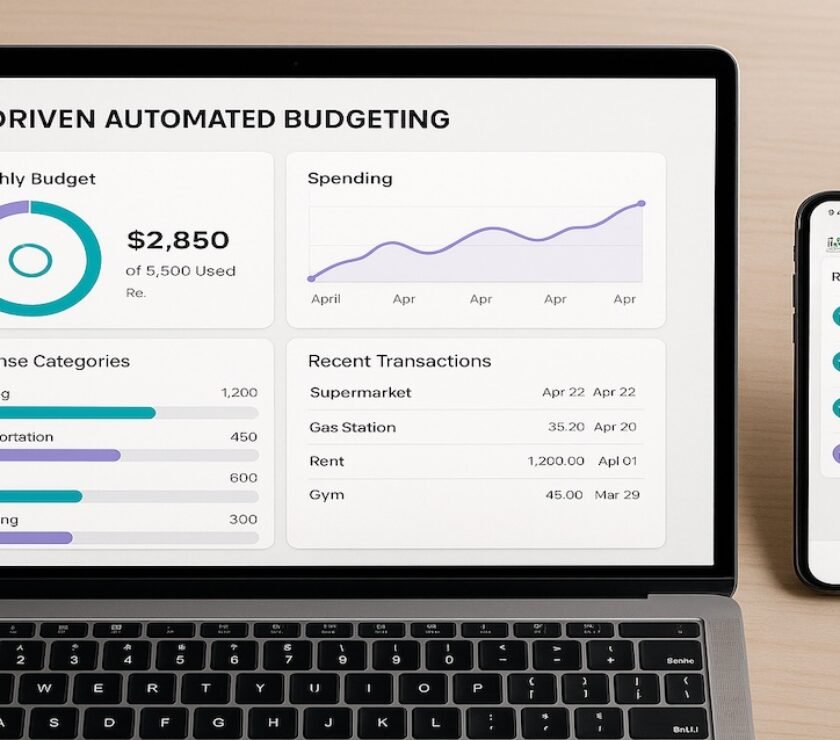
Budgeting in 2025 isn’t just about tracking receipts or hoarding spreadsheets. It’s about using automated budgeting tools that work in the background — so your money system keeps running even when your week gets chaotic.
But here’s the plot twist: some budgeting apps help you save more… and some quietly make you feel behind every time you open them. This guide helps you spot the difference, pick the right fit, and build a setup you’ll actually stick with.
How to Tell If Your Budgeting App Is Helping or Hurting
Your app is helping if it does at least three of these things consistently:
- It gives you clarity fast: You can tell where you stand in under 30 seconds.
- It reduces decision fatigue: You spend less time “categorizing” and more time deciding.
- It supports your habits: It fits how you naturally spend (not how you wish you spent).
- It makes the next step obvious: “Move $50 to groceries” beats “You are 12% over.”
- It helps you plan ahead: Bills, goals, and irregular expenses are not surprise attacks.
Your app is hurting if you see these signs:
- You avoid opening it because it makes you feel worse, not smarter.
- You’re drowning in categories and still not learning anything useful.
- It’s “tracking-only” — it reports the problem but doesn’t help you fix it.
- It creates false guilt (you spend normally, but the app makes it feel like failure).
- It doesn’t match your cash-flow reality (especially if your income is variable).
PersonalOne rule: If the app adds friction, the habit dies. Your system should feel simple enough to run on your busiest week.
The 5 Budgeting App Styles That Actually Work
Instead of “top 5 apps,” think “top 5 styles.” Because the best app is the one that matches how you operate.
1) All-in-one dashboard budgeting
This is for people who want one place to see everything: accounts, bills, goals, and trends. If you’re building a real money system (not just tracking), this is usually the smoothest route.
PersonalOne pick to start with: Monarch Money (and if you want the quick setup, pair it with automation tools that do the work for you).
2) Zero-based planning
This style is for planners who want every dollar assigned before the month starts. It can be powerful, but only if you keep it realistic (a perfect plan that never matches real life is just stress with extra steps).
If you like this approach, build the foundation first: Build a budget that actually works.
3) Envelope-style budgeting
This is the modern version of “cash envelopes,” just digitized. It’s great for people who want clear spending limits and don’t want to overthink categories.
If you like the envelope concept but want it cleaner, use it alongside an account structure: multiple-account budgeting systems.
4) “Spending guardrails” budgeting
This style is for people who don’t want to budget hard — they want alerts, caps, and guardrails. It works best when your bills are stable and you just need help staying on track.
5) Minimal budgeting for consistency
This is for the “keep it simple or it won’t happen” crowd. Fewer categories, fewer rules, more consistency. You trade precision for momentum — and honestly, that’s often a win.
Monarch Money Fit Check
If you want a budgeting app that feels like a control center (not a chore list), Monarch is usually the best starting point. It’s built for clarity: syncing accounts, seeing trends, setting goals, and actually understanding what’s happening.
- Best for: People who want one place for budgeting + tracking + goals.
- Not best for: Anyone who wants a purely free tool or hates account syncing.
Build a System That Actually Works
Your budgeting app is only as good as the system it supports. Learn how to structure automation that executes your plan—not just tracks it.
Build a System Behind the App
A budgeting app is a tool — not the system. The system is what you do weekly and monthly. Here’s the clean structure that keeps most people consistent:
Weekly check-in (10 minutes)
- Scan categories you tend to overspend in (food, shopping, subscriptions).
- Move money once (not 20 times) to correct course.
- Decide one “win” for the week: cancel, swap, or cap one expense.
Monthly reset (15–20 minutes)
- Review what actually happened (no shame, just data).
- Adjust the plan for next month.
- Set one goal that matters (debt, savings, investing, or stability).
If you freelance or side hustle: this gets 10x easier when your bank accounts are structured correctly. Start here: best banks for freelancers.
Internet Red Flags About Budgeting Apps
Social media loves extreme claims. Here are the big ones to watch — and the real truth behind them.
Red flag: “This app will fix your money automatically.”
What’s misleading: apps can automate tracking, reminders, and rules — but they can’t make decisions for you. The accurate version: automation works when you pair it with a simple routine (weekly check-in + monthly reset).
Red flag: “If you’re stressed, you’re just not disciplined.”
What’s misleading: stress is often a system problem, not a character flaw. The accurate version: if the app is too complex, you’ll quit. Choose the simplest tool you’ll actually use.
Red flag: “Never link accounts. It’s always unsafe.”
What’s misleading: blanket advice ignores context. The accurate version: account linking is optional, and many people use it safely — but if it doesn’t feel right, use manual tracking or bank-native tools. The goal is consistency, not perfection.
FAQs
Do I need a budgeting app to budget?
No. An app can reduce friction, but the real driver is your system. If an app helps you stay consistent, it’s worth it. If it becomes a stress trigger, simplify your approach.
How many categories should I use?
Start with fewer than you think. Most people do well with 8–12 categories. If you need more detail later, add it slowly.
What's the best budgeting app for "real life"?
The one you'll open consistently. For an all-in-one view, start with Monarch Money. For a full automation framework behind any app, explore Financial Automation.
Authoritative Sources
- Consumer Financial Protection Bureau (CFPB): Budgeting guidance
- Federal Trade Commission (FTC): Negative option and subscription basics
Internal Sources
Financial Disclaimer: This post is for educational purposes only and does not constitute financial advice.
Always speak with a licensed advisor for guidance on your specific situation. Some links may be affiliate or partner links that help support this site.
We only recommend tools we believe add genuine value to your journey. PersonalOne.org is not responsible for financial outcomes resulting from actions taken based on this content.