2026
Home › FinTech & Modern Money Tools › Budgeting Apps & Financial Automation › Budgeting App vs Spreadsheet
Budgeting App vs Spreadsheet: Which One Actually Works Long-Term
What You Need to Know
— Budgeting apps win on consistency — automated transaction syncing removes the friction that causes most people to abandon spreadsheet budgets within weeks
— Spreadsheets win on customization — nothing is more flexible than a blank grid, which is also why they fail for most people
— The question is not which is theoretically better — it is which one you will actually use in month three, month six, and month twelve
— Spreadsheets work long-term for a specific type of person; apps work long-term for most people
— A hybrid approach — app for daily tracking, spreadsheet for annual planning — captures the advantages of both
The Real Question Is About Consistency, Not Capability
The budgeting app vs spreadsheet debate is usually framed as a features comparison. Which has better categorization? Which shows net worth more clearly? Which handles irregular income better? These are the wrong questions. The right question is simpler and harder: which one will you actually use consistently three months from now?
A spreadsheet budget that gets updated twice a week is better than an app that goes unused. An app that syncs automatically and takes two minutes to check is better than a spreadsheet that sits untouched because updating it feels like a task. The capability of the tool is secondary to whether the tool fits your behavioral patterns. The guide to the best budgeting apps and financial automation tools covers how to match tools to the specific financial situations and behavioral styles where each performs best.
Head-to-Head: Where Each One Wins
| Category | Budgeting App | Spreadsheet |
|---|---|---|
| Transaction Tracking | Automatic — syncs from all accounts | Manual — requires entry after every transaction |
| Setup Time | 30–60 minutes initial; minimal after | Hours to build; ongoing maintenance weekly |
| Customization | Good — within app’s framework | Unlimited — build anything you can imagine |
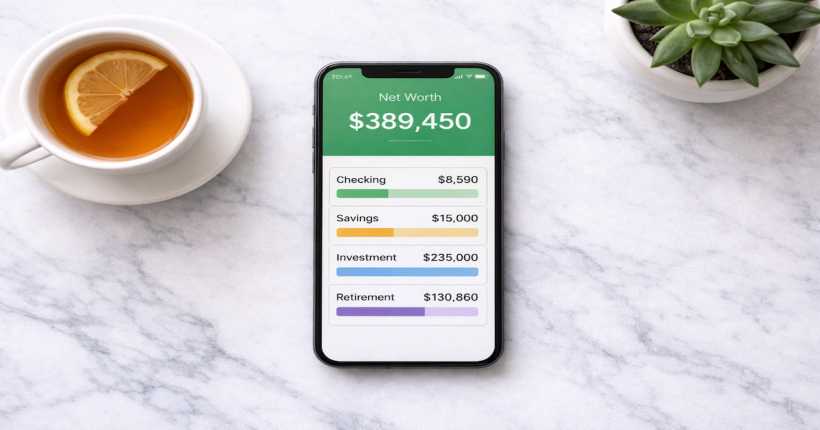
| Net Worth Tracking | Automatic, real-time across all accounts | Manual updates required; often outdated |
| Long-Term Consistency | High — low friction sustains use | Low for most; high for systems-oriented users |
| Cost | $0–$15/month depending on platform | Free (Google Sheets) or included in Office |
| Couples Use | Built-in shared access on most premium apps | Shareable via Google Sheets; no real-time sync |
Why Spreadsheets Fail for Most People
The spreadsheet budget failure pattern is predictable and consistent: a person builds an excellent spreadsheet with well-organized categories, formulas that calculate remaining balances, and maybe even charts that visualize spending. They use it diligently for two to four weeks. Then a busy period hits — travel, a work project, a social run — and transaction entry falls two weeks behind. Catching up requires 45 minutes of work that keeps getting deferred. The spreadsheet becomes inaccurate. The user stops trusting it. The budget effectively ends, even though the spreadsheet still technically exists.
This is not a discipline failure. It is a system design failure. Spreadsheets require manual transaction entry as a core function. Manual data entry has a friction cost every time it is required. When life gets busy, high-friction tasks are the first to be deferred. A tool that requires consistent daily effort to remain accurate is a tool that will eventually be abandoned by the majority of people who use it.
When Spreadsheets Actually Work Long-Term
Spreadsheets work long-term for a specific type of person: someone who finds the building and customization process intrinsically rewarding, who is naturally systematic about recording information, and who treats the spreadsheet as a financial planning tool rather than just a tracking tool. These users exist — they tend to be analytically-oriented, enjoy building and iterating on their own systems, and find the act of manual transaction entry provides useful deliberate awareness of spending.
Spreadsheets also work well for specific financial tasks that fall outside the strengths of budgeting apps: multi-year financial projections, retirement planning scenarios, debt payoff modeling with multiple variables, real estate investment analysis, and other complex modeling tasks that require building custom formulas rather than relying on app-provided calculations. For these use cases, a spreadsheet is superior because no app offers the flexibility to build exactly the model you need.
The Hybrid Approach: App for Daily, Spreadsheet for Annual
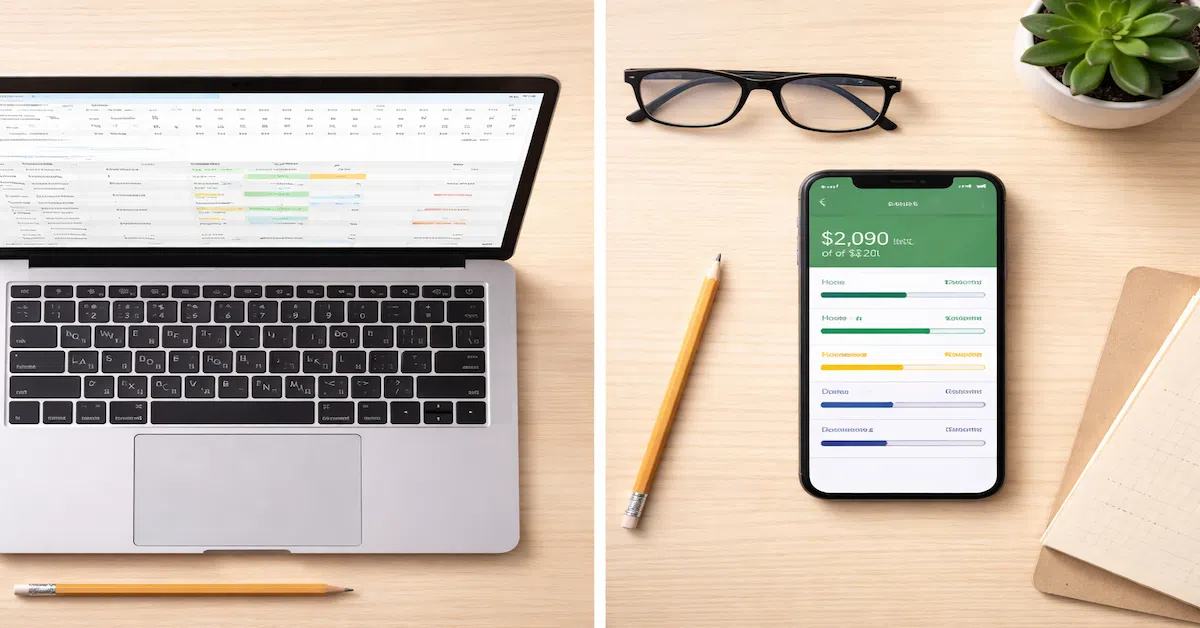
The most powerful approach for financially engaged people is using both tools for the jobs they each do best. A budgeting app handles daily transaction tracking, category monitoring, and net worth updates automatically — everything that benefits from real-time data and low friction. A spreadsheet handles annual financial planning, long-term projections, and scenario modeling — everything that benefits from custom formulas and unlimited structural flexibility.
In practice this looks like: Monarch Money (or YNAB) running in the background tracking all transactions, reviewed weekly for 10 minutes. A Google Sheet opened quarterly for annual budget review, retirement projection updates, and goal timeline modeling. The app provides the ongoing data foundation; the spreadsheet provides the strategic planning layer. Neither is asked to do what the other does better.
The tool that works is the one you actually use.
The complete framework for choosing, configuring, and connecting the right budgeting tools for your situation is in the Budgeting Apps & Financial Automation guide.
Explore Budgeting Apps & Financial Automation →Resources
Official Sources
CFPB — Budgeting Worksheet — Free government budgeting worksheet that can serve as a starting template for anyone building a spreadsheet budget or setting up initial budgeting app categories.
FDIC — Mobile Banking Safety — Consumer guidance on the security of connecting bank accounts to third-party financial applications.
Continue Building Your System
The complete framework for budgeting tools, financial automation, and how to build a money system that runs itself lives in the FinTech & Modern Money Tools guide.
Frequently Asked Questions
Is a budgeting app better than a spreadsheet?
For most people, yes — because automated transaction syncing removes the friction that causes most people to abandon spreadsheet budgets within weeks. But for analytically-oriented users who find building and maintaining systems intrinsically rewarding, a well-designed spreadsheet can be more powerful because it offers unlimited customization. The honest answer is that the better tool is whichever one you will actually use consistently.
What is the best free budgeting spreadsheet?
Google Sheets offers several free budgeting templates accessible through the template gallery. The Vertex42 budgeting templates (available free online) are among the most well-designed for personal finance use. For anyone starting from scratch, the CFPB’s free budget worksheet provides a straightforward starting point for building category structures.
Can I use a spreadsheet to track multiple bank accounts?
Yes, but it requires manual balance updates or manual transaction entry for each account. Tools like Tiller Money ($79/year) use Google Sheets as the interface while automating transaction import from bank accounts through Plaid — a hybrid approach that gives spreadsheet flexibility with app-level transaction automation. This is an option for users who specifically want spreadsheet customization without the manual entry burden.
Why do most people stop using their budget spreadsheet?
Manual transaction entry. When a spreadsheet requires you to record every purchase to remain accurate, it creates a friction cost every day. Periods of high activity — travel, busy work weeks, social events — create backlogs that become increasingly painful to clear. Most people stop updating the spreadsheet, the data becomes unreliable, and they stop trusting it. The problem is not discipline — it is the fundamental design requirement of manual data entry.
Disclaimer: This article is for informational and educational purposes only and does not constitute financial advice. App pricing and features are subject to change. PersonalOne is an affiliate partner with Monarch Money and may receive compensation for qualifying referrals at no cost to you.