


November 11, 2025
February 2026
Home › Banking Systems › The 3-Account System Explained › Banking Scams & Secure No-Fee Banks
About the Author
Don Briscoe is a Financial Systems Expert with 12+ years of experience helping Millennials and Gen Z escape paycheck-to-paycheck cycles. He founded PersonalOne on a framework-first philosophy — less willpower, more infrastructure — and provides structured, honest, free financial education.
TL;DR
- Banking scams are evolving: Deepfake phone calls, fake "account locked" alerts, and AI-generated phishing make the threat more sophisticated than ever
- Security is a layered system: 2FA, biometric login, real-time transaction alerts, instant account locking, and FDIC insurance — all five should be standard
- Most no-fee digital banks are better secured than legacy banks: Mobile-first architecture built around app-based controls gives you faster response when something looks wrong
- Your habits still matter: Even the most secure bank can't protect you from responding to a phishing text or using a compromised public Wi-Fi network
- Visibility is the most underrated protection: Knowing what hits your account the moment it happens is more powerful than any single security feature
Banking scams are evolving fast — from fake "account locked" texts to deepfake phone calls impersonating bank representatives. The Federal Trade Commission reported U.S. consumers lost over $10 billion to fraud in a single year, and that number continues to climb.
That reality is pushing people away from legacy banks with opaque fee structures and slow fraud response — and toward digital-first platforms where account controls are immediate, alerts are instant, and you don't need to call a 1-800 number to freeze your card.
Part of the 3-Account Banking System
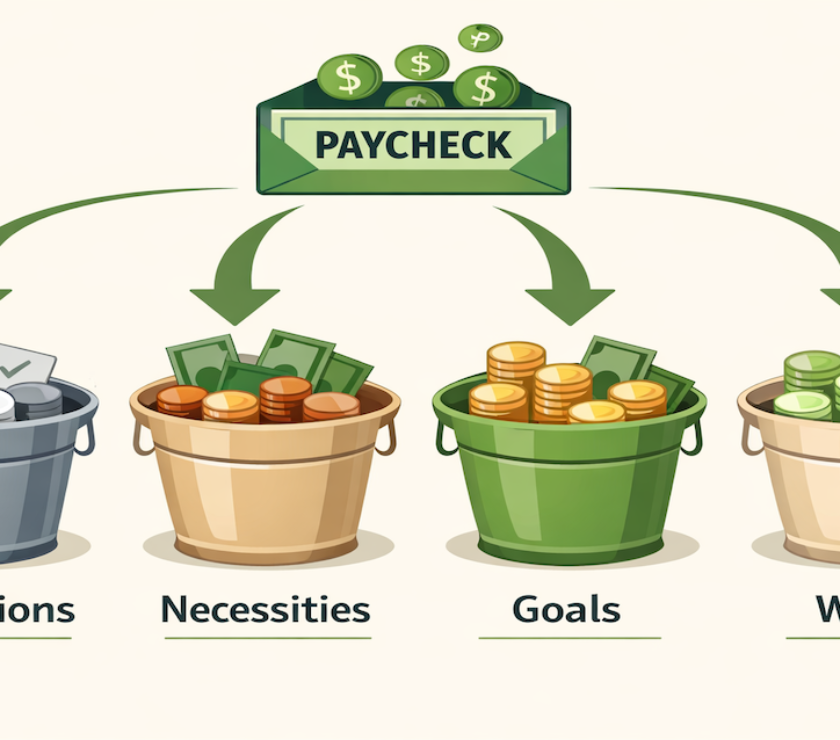
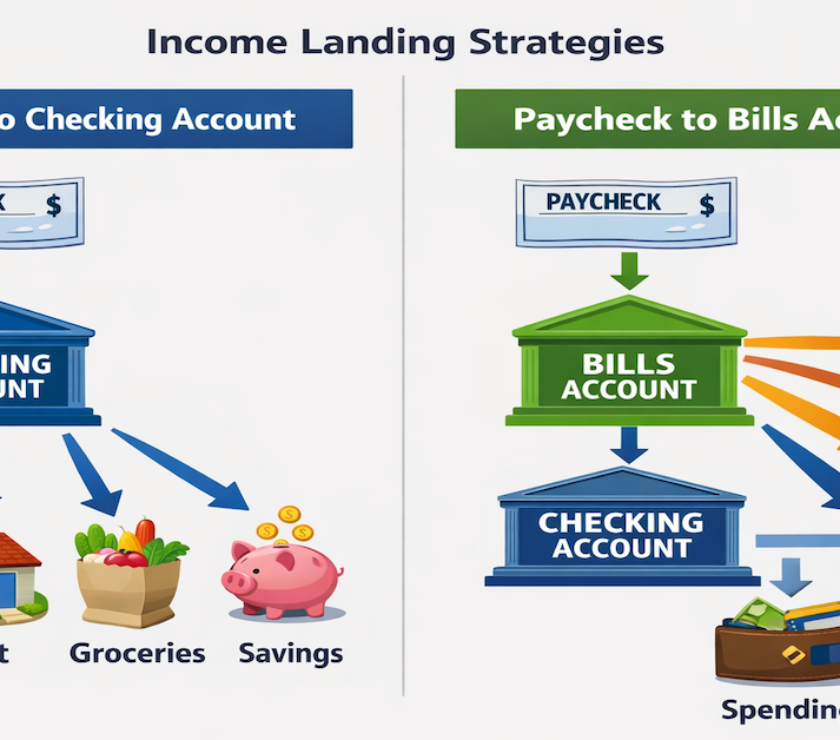
Choosing a secure bank is one decision. Knowing where that account belongs inside a structure that separates spending, bills, and savings — so no single account holds everything — is what limits your fraud exposure by design. See the PersonalOne guide to the three-account money system.
What Makes a No-Fee Bank Actually Secure
Security in 2026 isn't about a single feature — it's about layers. A bank with strong password requirements but no real-time alerts gives you a locked front door with an open window. Every layer below should be present before you consider a bank genuinely secure.
Two-Factor Authentication (2FA)
A second verification step — SMS code, authenticator app, or hardware key — that blocks account access even if your password is compromised. App-based 2FA (not SMS) is the strongest form.
Biometric Login
Fingerprint or Face ID authentication that makes account access faster for you and significantly harder for anyone who isn't you — even if they have your device unlocked.
Real-Time Transaction Alerts
Push notifications the moment any transaction hits your account. This is the single most underrated security feature — you can't dispute what you don't know about immediately.
Instant Account Locking
The ability to freeze your card immediately from the app — not after calling a number, navigating an IVR, and waiting on hold. Speed matters when a card is compromised.
FDIC Insurance
Protects deposits up to $250,000 per depositor, per institution — even if the bank fails. Always verify using the FDIC BankFind tool before opening any account.
Zero-Liability Fraud Protection
You're not held responsible for unauthorized transactions you didn't authorize. Verify whether the bank's policy covers debit card fraud specifically — terms vary by institution.
Secure No-Fee Banks Worth Considering in 2026
This section focuses specifically on what each bank does well from a security standpoint.
Chime — Real-Time Visibility and Fast Account Control
No monthly fees, no overdraft charges, and instant push notifications for every transaction. The combination of immediate visibility and in-app card controls makes Chime strong for users whose primary risk is unauthorized spending they wouldn't notice until a statement. Uses 2FA, encryption, and FDIC insurance through partner banks. Security details at the Chime Security Center.
SoFi — Advanced Background Fraud Monitoring
SoFi blends no-fee checking with fraud monitoring that runs continuously in the background — flagging unusual patterns before they result in losses. Biometric login and device verification add friction for anyone trying to access your account from an unrecognized device. Pairs well with high-yield savings accounts if you want separate but connected accounts for spending and saving.
Capital One 360 — Legacy Trust with Modern Cybersecurity
Capital One combines the regulatory infrastructure of a traditional bank with mobile-first security tools. Virtual card numbers for online purchases and subscriptions reduce exposure on the most common fraud vector — transactions where your physical card number gets stored by a third party and then breached. Real-time alerts standard across all account types.
Ally Bank — Straightforward Security, Zero Fee Friction
No maintenance fees, no balance minimums, and clean mobile security. Ally is particularly solid for users who want simplicity — strong fundamentals without complexity. Works well as a dedicated savings account paired with a separate daily spending account as part of a multi-account banking structure.
Discover Bank — 24/7 Monitoring with Fast Freeze
Biometric login, zero-liability fraud protection, and continuous 24/7 monitoring. Suspicious activity can be frozen immediately from the app, limiting damage window when a card is compromised. No monthly fees on online checking.
How to Reduce Your Scam Risk — Your Habits Still Matter
Even the most secure bank can't protect you from responding to a phishing text or logging into your account over public Wi-Fi. Bank-side security and personal security habits are two separate layers — both required.
High-Risk Behaviors to Eliminate
Responding to urgent bank texts
No legitimate bank will ask you to click a link in a text message to verify your account. Log in directly through the official app only.
Using public Wi-Fi for banking
Unsecured networks expose your session to interception. Use your phone's cellular data connection for any financial app access.
Reusing passwords across accounts
A breach at any other service you use becomes a banking breach if you share passwords. Use a password manager with unique credentials for every financial account.
Delaying transaction reviews
Monthly statement reviews catch fraud 4 weeks too late. Turn on real-time alerts so you see every transaction as it posts — not when the damage is already done.
Frequently Asked Questions
Are all no-fee banks FDIC-insured?
Most major digital banks are FDIC-insured, but always verify — don't assume. Neobanks typically hold deposits at FDIC-member partner banks rather than being chartered banks themselves. Use the FDIC BankFind tool to confirm the partner institution before opening an account. FDIC insurance protects up to $250,000 per depositor, per institution.
What actually makes a bank secure?
Layered protection: 2FA (preferably app-based rather than SMS), biometric login, encrypted data transmission, real-time transaction alerts, instant card freeze capability, and zero-liability fraud protection. No single feature is sufficient — the combination matters. The most underrated element is real-time visibility, because it determines how quickly you can respond when something goes wrong.
Which no-fee bank has the strongest fraud protection?
SoFi and Capital One 360 lead on background monitoring — continuous fraud detection that flags anomalies proactively. Chime leads on real-time alert speed and simplicity of account locking. The right answer depends on your primary exposure: if you're concerned about account takeover, prioritize 2FA and login monitoring. If you're concerned about card fraud, prioritize real-time alerts and fast freeze capability.
Can a secure bank stop all scams?
No. Bank-side security protects against unauthorized access and transaction fraud — it can't protect against social engineering where you willingly initiate a transfer. Deepfake calls, fake customer service representatives, and romance scams all involve the account holder authorizing the transaction, which bypasses security layers. The behavioral habits — not responding to unsolicited contacts, only logging in through official apps, verifying before acting — are the protection layer that banks can't provide for you.
The Right Bank Is One Part. The Structure Is What Protects You.
Security features matter more when your account architecture limits how much is exposed in any single account. For the complete framework, see the PersonalOne banking systems account structure guide.
Resources
FTC — Consumer Fraud Loss Data
FDIC BankFind Suite — Verify Bank Insurance Status
CFPB — Fraud Reporting and Recovery Guidance
Disclaimer: This article is for educational purposes only and does not constitute financial advice. Bank security features, FDIC coverage terms, and account features are subject to change — always verify current terms directly with each institution before opening an account.
Great piece. The part about combining FDIC protection with biometric login stood out — that’s exactly the direction digital banking needs to go. I’d love to see a follow-up comparing which of these secure banks also offer high-yield savings accounts, since security and returns should go hand in hand in 2025.
This was a really useful breakdown — I didn’t realize how many “no-fee” banks now offer built-in fraud alerts and 2FA as standard. It’s wild how fast scammers adapt, so knowing which banks are actually investing in security tech helps a ton. I switched to an online-only account last year and haven’t looked back.