Home › Financial Automation › Budget Automation Systems › Budgeting Apps vs Spreadsheets (2026)
TL;DR – Apps vs Spreadsheets
- Budgeting apps automate tracking and sync with accounts in real-time, saving time for busy people.
- Spreadsheets offer complete customization and control, ideal for data-savvy users who want flexibility.
- Apps win for convenience and automation; spreadsheets win for customization and privacy.
- The best choice depends on your tech comfort level, time availability, and how hands-on you want to be.
- Many people use a hybrid approach: apps for daily tracking, spreadsheets for deeper analysis.
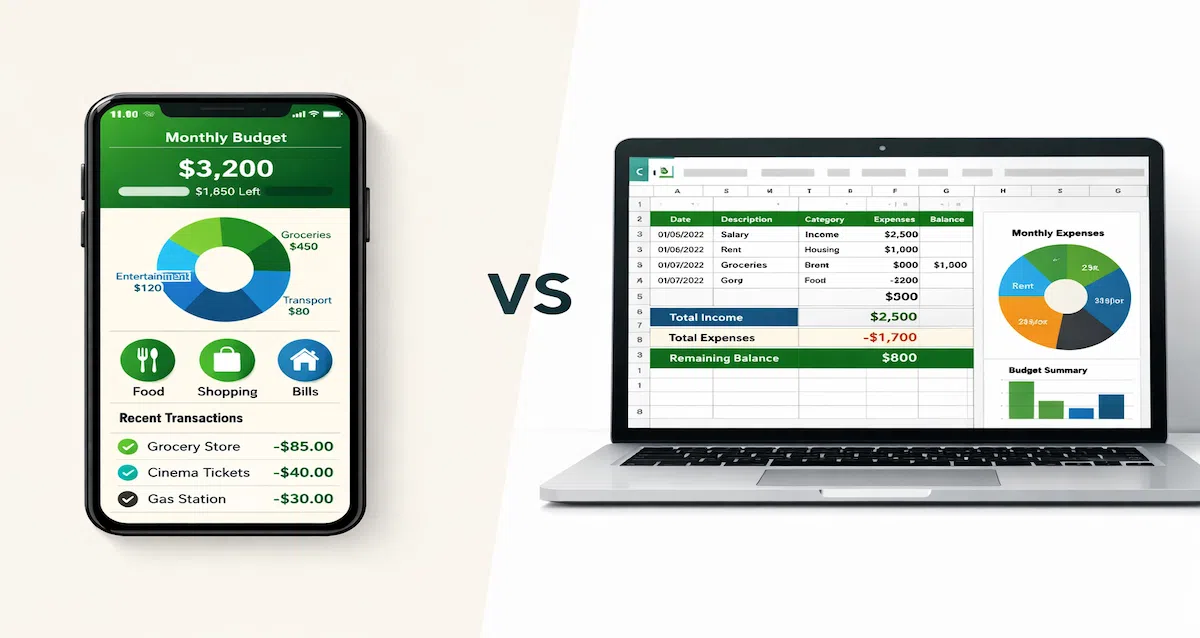
The budgeting tools debate isn't new, but in 2026, the gap between apps and spreadsheets has never been more interesting. Budgeting apps have gotten smarter with AI-powered insights and automated categorization. Meanwhile, spreadsheets remain the go-to for people who want complete control over their financial data.
So which one actually works better? The answer depends on how you think about money, how much time you have, and what level of control you need. But here's the real question: do you want to manage your budget manually, or do you want an automated budgeting system that handles the heavy lifting? Let's break it down.
The Case for Budgeting Apps
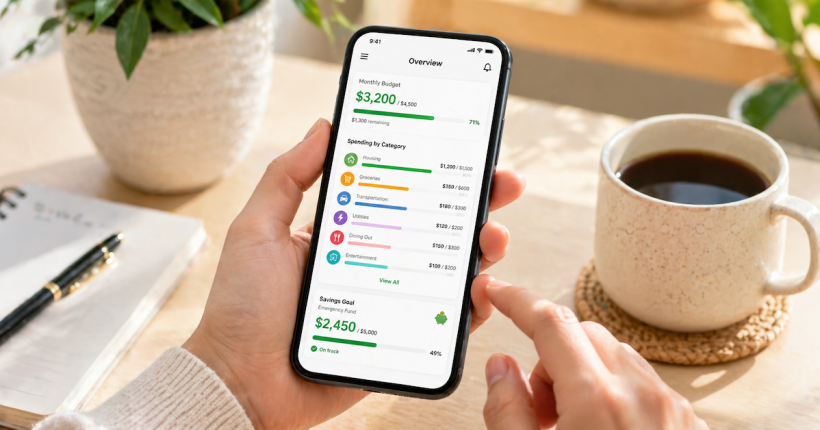
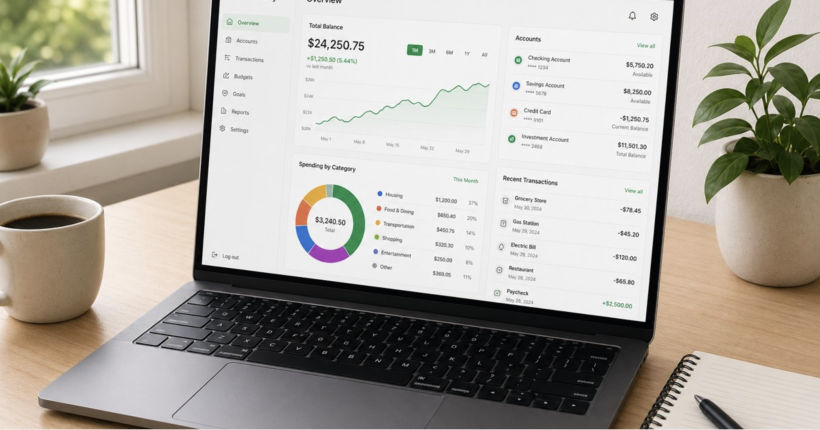
Budgeting apps have evolved significantly. What started as simple expense trackers are now comprehensive financial dashboards that sync with your accounts, track investments, and even predict future spending patterns.
What Budgeting Apps Do Well
This is where automation actually becomes practical. Instead of tracking transactions manually, modern tools sync accounts, categorize spending, and surface insights automatically. A good example is the Monarch Money budgeting app, which replaces spreadsheets with real-time automation across accounts.
- Automation: Transactions import automatically from your bank accounts and credit cards. No manual entry required.
- Real-Time Updates: See your spending in real-time across all accounts in one place.
- Mobile Access: Check your budget from anywhere, anytime. Perfect for quick decisions at the store.
- Smart Categorization: AI-powered tools learn your spending patterns and categorize transactions automatically.
- Bill Reminders: Get notifications before bills are due to avoid late fees.
- Goal Tracking: Visual progress bars and milestone celebrations keep you motivated.
Where Apps Fall Short
- Subscription Costs: Premium features often require monthly or annual fees ($10-15/month average).
- Privacy Concerns: Connecting bank accounts requires sharing login credentials with third-party services.
- Limited Customization: You're stuck with the app's categories and structure unless it offers extensive customization.
- Connection Issues: Bank syncing occasionally breaks, requiring manual fixes and re-authentication.
- Learning Curve: Each app has its own methodology (zero-based, envelope, etc.) that you need to learn.
The Case for Spreadsheets
Spreadsheets remain popular among people who want maximum control over their financial data. Whether it's Excel, Google Sheets, or another tool, spreadsheets offer flexibility that apps can't match.
What Spreadsheets Do Well
- Complete Customization: Build exactly the budget structure you want with unlimited categories and formulas.
- Privacy Control: Your data lives on your device or in your cloud account. No third-party access required.
- Zero Recurring Costs: Free options like Google Sheets work perfectly for most people.
- Data Analysis: Run complex calculations, create custom charts, and perform scenario planning.
- Historical Tracking: Keep years of data in one file for long-term analysis and tax preparation.
- Template Libraries: Thousands of free budget templates available online to get started quickly.
Where Spreadsheets Fall Short
- Manual Entry: You have to input every transaction yourself unless you import CSV files from your bank.
- Time Investment: Building a good spreadsheet takes time upfront, and maintenance requires consistency.
- No Real-Time Sync: You're always looking at slightly outdated data unless you update constantly.
- Mobile Limitations: Editing spreadsheets on phones is possible but clunky and frustrating.
- Error Prone: One wrong formula or accidental deletion can throw off your entire budget.
- No Automation: Everything requires manual action—no automatic categorization or bill reminders.
Head-to-Head Comparison
| Feature | Budgeting Apps | Spreadsheets |
|---|---|---|
| Setup Time | 5-15 minutes (connect accounts) | 1-3 hours (build from scratch) |
| Daily Maintenance | 0-5 minutes | 10-20 minutes |
| Cost | $0-180/year (premium features) | Free (or $6/month for Microsoft 365) |
| Customization | Limited to app's structure | Unlimited |
| Automation Level | High (automatic everything) | Low (mostly manual) |
| Mobile Experience | Excellent | Poor to moderate |
| Privacy Control | Moderate (third-party access) | High (you control all data) |
| Data Analysis | Good (limited to app features) | Excellent (unlimited options) |
| Learning Curve | Moderate (each app is different) | High (requires spreadsheet skills) |
Who Should Choose Budgeting Apps
Apps Work Best For:
- Busy Professionals: Limited time to manually track expenses daily.
- Multiple Account Holders: Several bank accounts, credit cards, or investment accounts to monitor.
- Mobile-First Users: Need to check budget frequently throughout the day.
- Beginners: Just starting out and want guardrails built into the system.
- Convenience Seekers: Value automation over customization and control.
- Couples: Need shared access and real-time updates both partners can see.
Who Should Choose Spreadsheets
Spreadsheets Work Best For:
- Data Enthusiasts: Enjoy working with numbers and creating custom analysis.
- Privacy-Conscious Users: Uncomfortable sharing bank login credentials with third parties.
- Budget Customizers: Want specific categories, formulas, or tracking methods not available in apps.
- Freelancers/Business Owners: Need to track business expenses separately with detailed categorization.
- Long-Term Planners: Want to run scenario analysis for retirement, home purchases, or major life changes.
- Budget-Conscious People: Don't want to pay monthly subscription fees for budgeting tools.
The Hybrid Approach (Best of Both Worlds)
Here's what many experienced budgeters do: use apps for daily tracking and spreadsheets for monthly analysis.
How it works:
- Use a budgeting app for automatic transaction tracking throughout the month
- Export your data at month-end to a spreadsheet
- Analyze trends, run projections, and adjust your strategy in the spreadsheet
- Use the spreadsheet for annual planning and tax preparation
This approach gives you the convenience of automation with the analytical power of spreadsheets. It requires more effort than choosing just one method, but some people find it's worth the time investment.
What Changed in 2026
Both options have improved significantly in recent years:
Apps Got Better At:
- AI-powered spending predictions and anomaly detection
- Improved bank connection reliability
- More customization options (custom categories, rules, reports)
- Better data export features for users who want to migrate
Spreadsheets Got Better At:
- Cloud collaboration (Google Sheets, Microsoft 365)
- Mobile apps that actually work (still not perfect, but better)
- Template marketplaces with professional-grade budget templates
- Integration with financial data APIs for semi-automated imports
The Bottom Line: What Actually Works
Neither option is objectively "better." The right choice depends entirely on your situation:
Choose apps if: You value time over customization, want mobile access, and are comfortable with subscription costs.
Choose spreadsheets if: You value privacy and control, enjoy working with data, and want zero recurring costs.
Try hybrid if: You want automation for daily tracking but need deep analysis capabilities for planning.
The most important factor isn't which tool you choose—it's whether you'll actually use it consistently. A "perfect" spreadsheet you abandon after two weeks is worthless. A "basic" app you check daily is invaluable.
Frequently Asked Questions
Master the Full Budget Automation System
Choosing between apps and spreadsheets is just the first step. The real work is automating your entire budget system—building flows that execute your plan even when you're busy, not just tracking expenses you'll abandon next month.
For the complete framework on how budget automation connects to bill payments, savings transfers, and investment contributions, see Financial Automation: How to Run Your Money on Autopilot.
Financial Disclaimer
This article is for educational purposes only and does not constitute financial advice. Budgeting tool choices should be based on individual circumstances and preferences. Always research security features before connecting financial accounts to third-party applications.